Extensions
Some of the bookmarklets have been converted to extensions, while other tools here are standalone things. Not all of them are 100% accessibility-related, some are just things I created to help me with day-to-day work. Enjoy!
-
a11y-tools bookmarklets
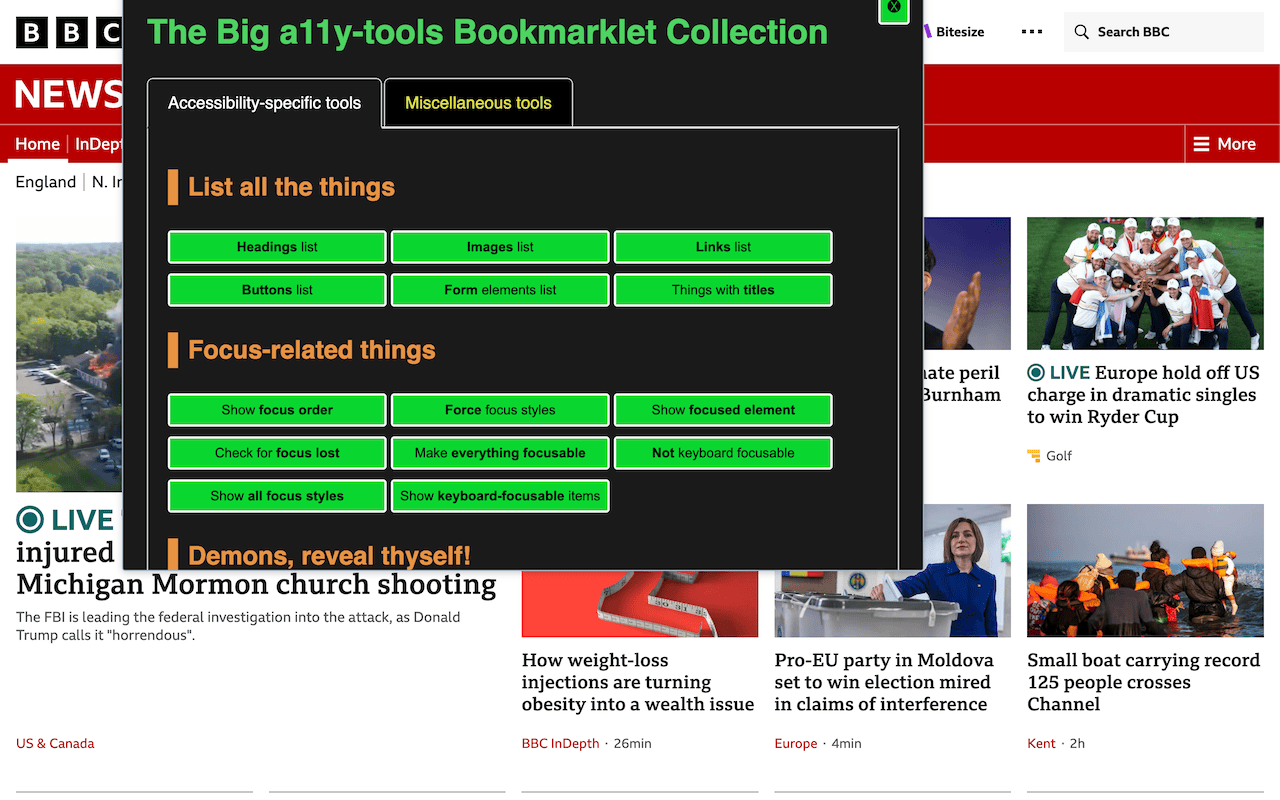
Various scripts from ally-tools.com, primarily around web accessibility but also including other useful utilities. The bookmarklets on the site will continue to be available as separate items, but here they all are together, organised as best as I can, and any updates should be available to you automatically.
-
Look up WCAG SCs (WCAG Success Criteria)
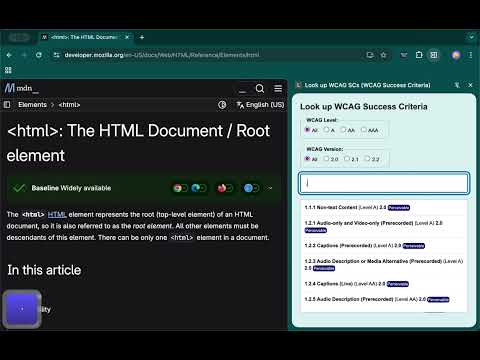
A tool that lets you quickly find the WCAG Success Criterion you need, and to copy the relevant URL in various formats.
Run the tool and it shows all WCAG SCs sorted by number:
- Want to know which ones are 2.1? Level AAA? 2.2 *and* Level AAA? Use the filters to narrow things down.
- Start typing the SC number and that list will filter down to show matches.
- Can't remember the WCAG SC number? Perhaps you know it's something about 'labels'? Type 'labels' and the results will be reduced accordingly.
Look up WCAG Success Criteria is also available as a bookmarklet
-
Look up HTML reference
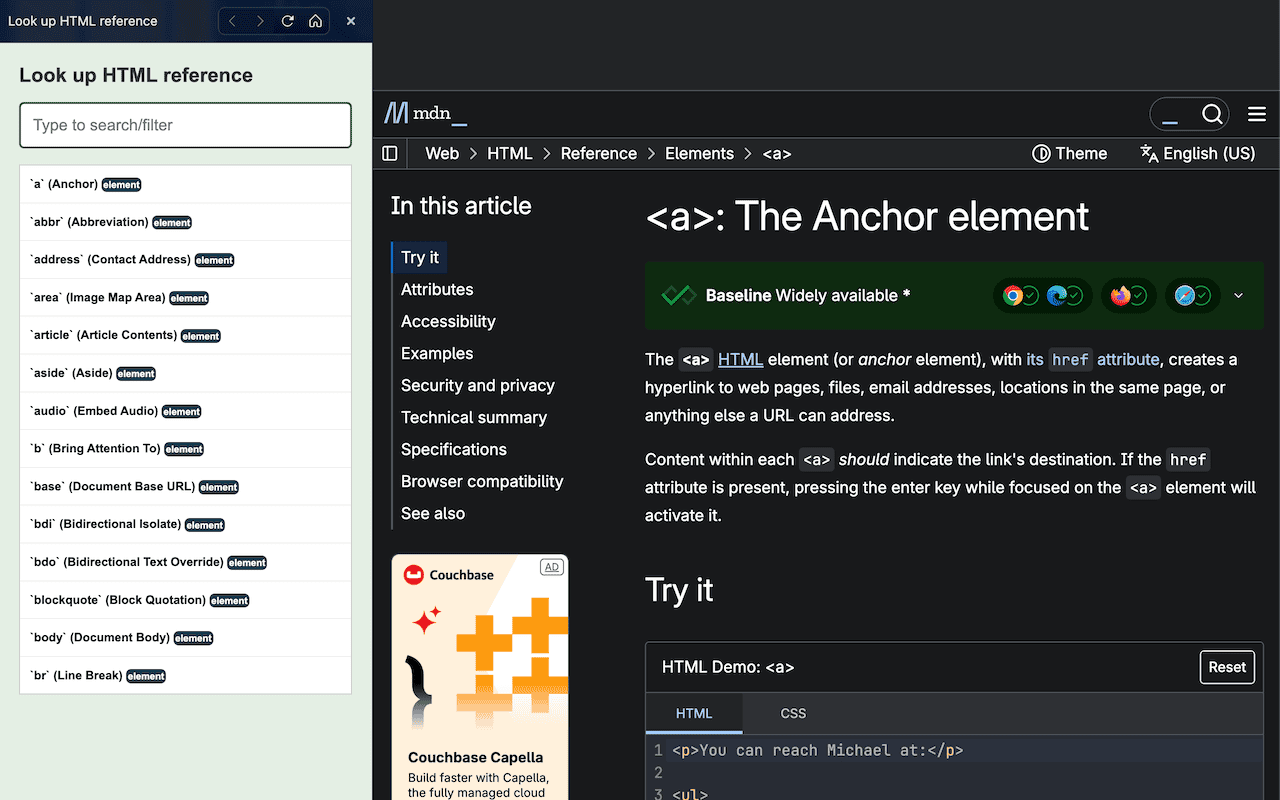
Provides a quick and easy way to look up HTML references on WhatWG and MDN reference, then copy the URL as markdown/HTML
Includes:
- HTML elements
- HTML attributes
- ARIA-* attributes
-
Navigate like a screen reader
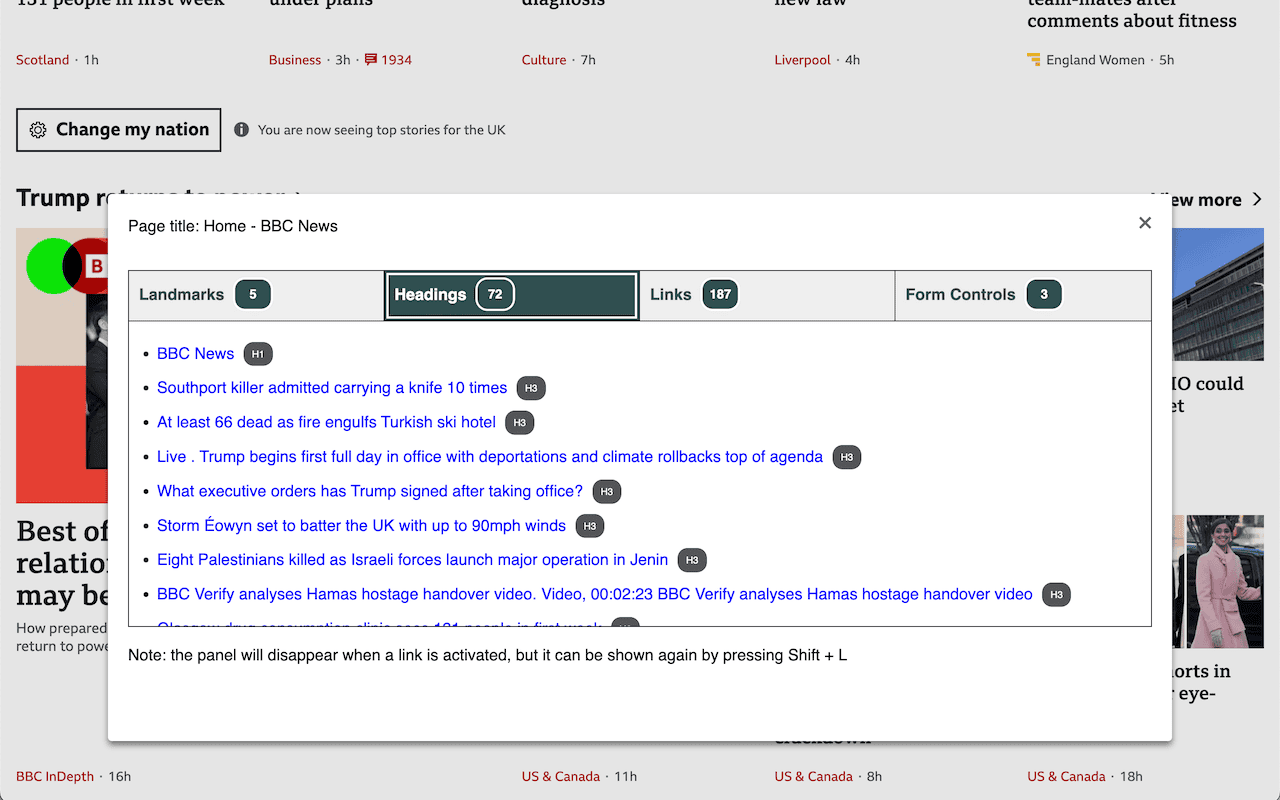
Finds landmarks, headings, links and form controls on a page and lets you navigate with them, much as a screen reader user can)
Finds the following on a page:
- Landmarks
- Headings
- Links
- Form Controls
Navigate like a screen reader is also available as a bookmarklet
-
Screenshot Clipper
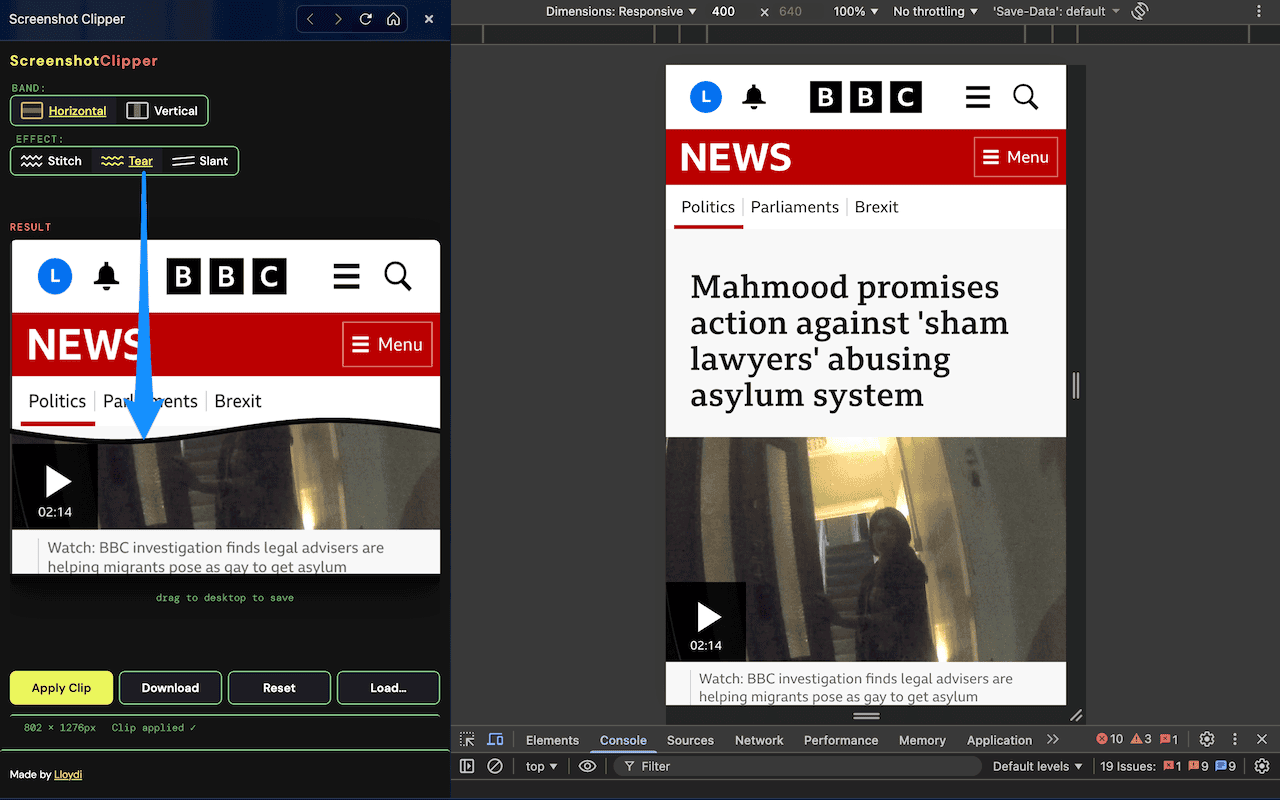
Crop out middle sections of screenshots with stitch, tear, or slant effects.
A handy tool for trimming out the middle sections of screenshots when you ony need to show top and bottom sections.
-
Link Underliner
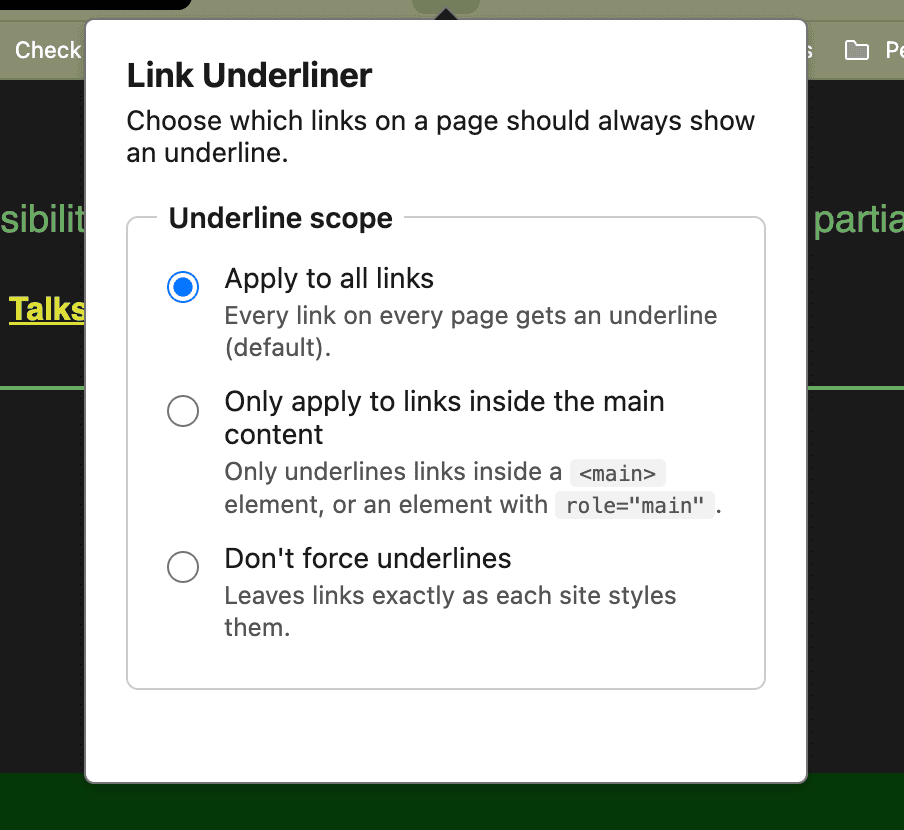
Forces an underline on links across every site, with a configurable scope (all links, or only links inside <main>).
Helping to reveal links on all pages where designers/developers deliberately supressed the underline, making links difficult to perceive.
-
Screenshot Collage
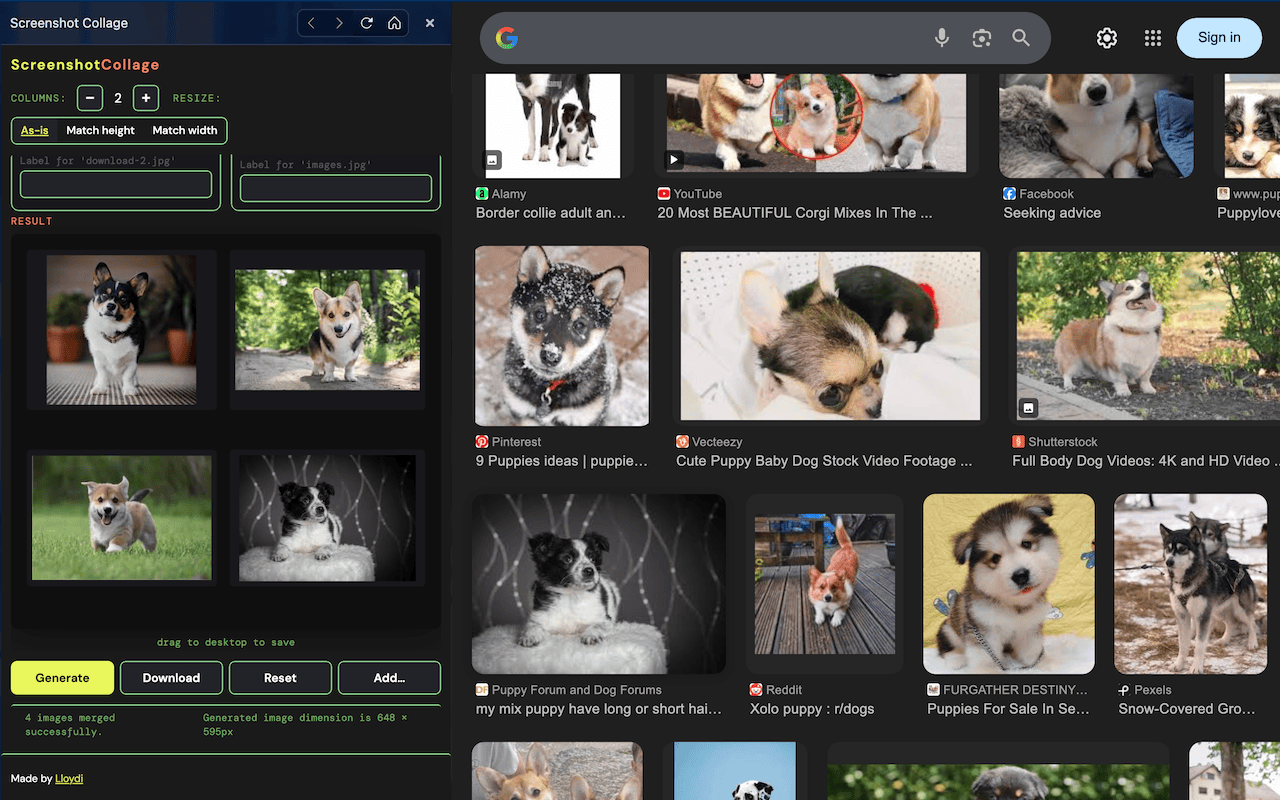
Merge separate screenshots into one collage for easy sharing.
Screenshot Collage lets you drag/drop multiple images into the tool, then you arrange in columns, re-order, and set whether images will be matched in height or width. You can also apply picture captions. Then just generate a combined image that you can easily download or drag back out to wherever you need it.
-
Copy Tabs
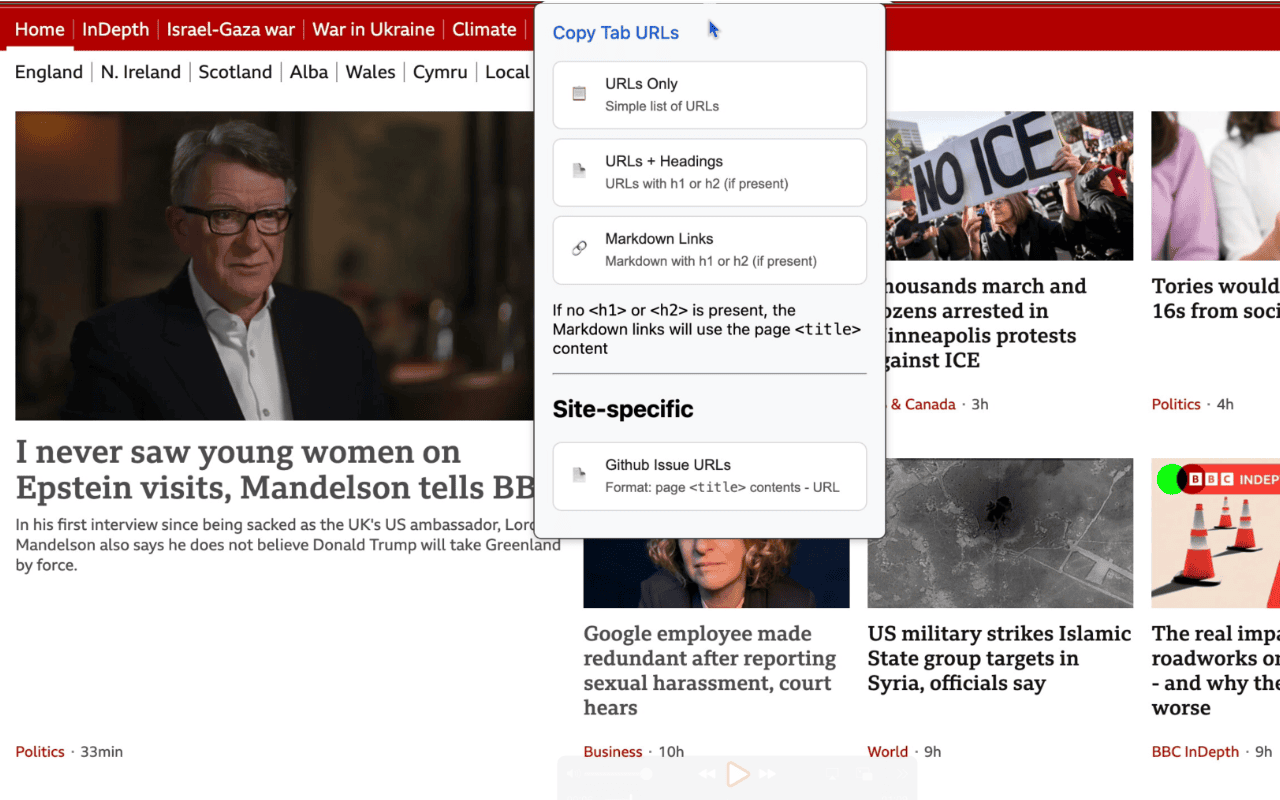
Copy URLs and H1/H2/title content from all open tabs